

Another app from the makers of Mbox Viewer
Takeout Reports
See what's inside your Takeout
You ask Google for your archive, it takes days to arrive, and then ten ZIP files of twenty gigabytes each land on your Mac. Now what? Takeout Reports opens them and tells you what's inside — without unzipping a thing.
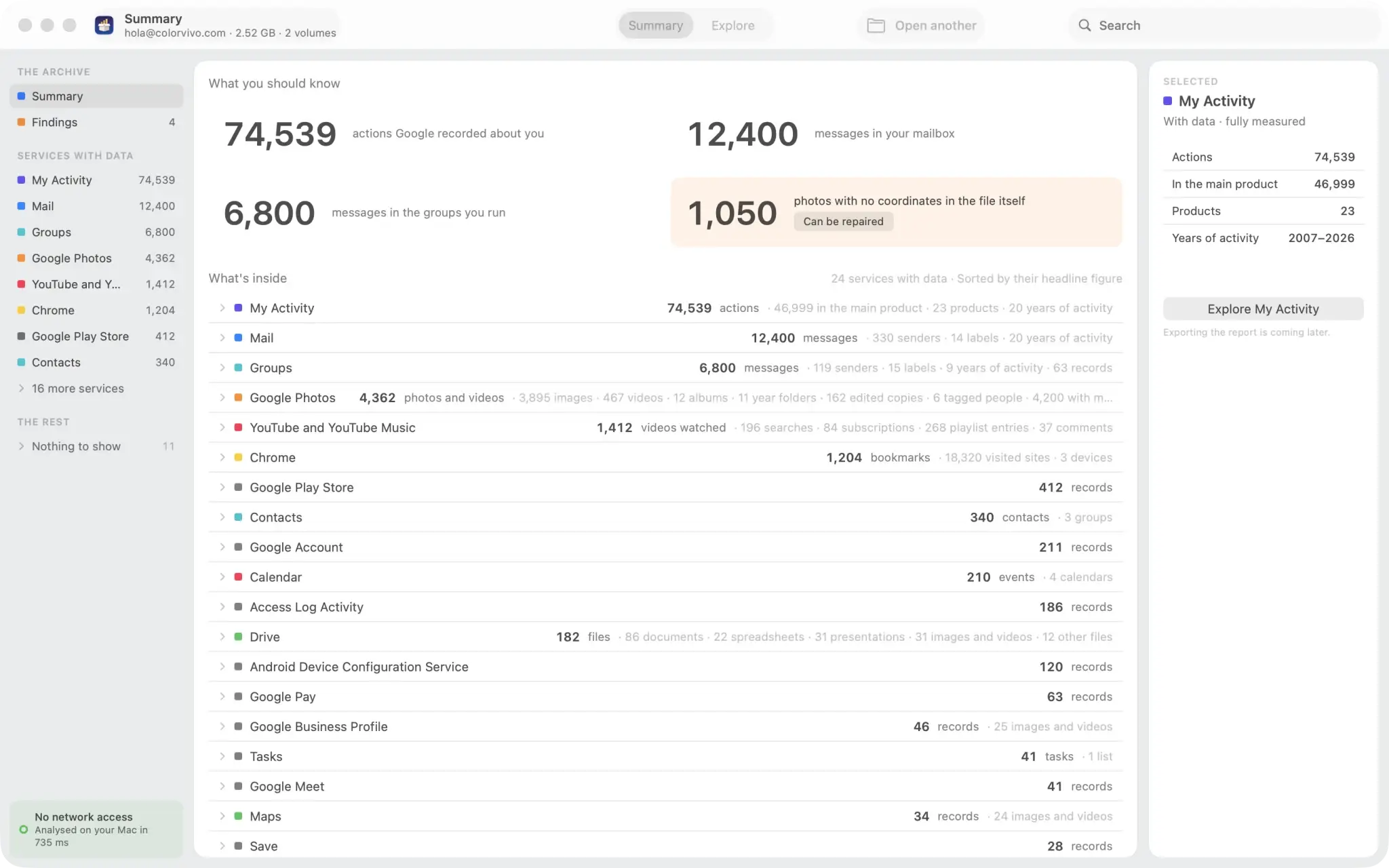
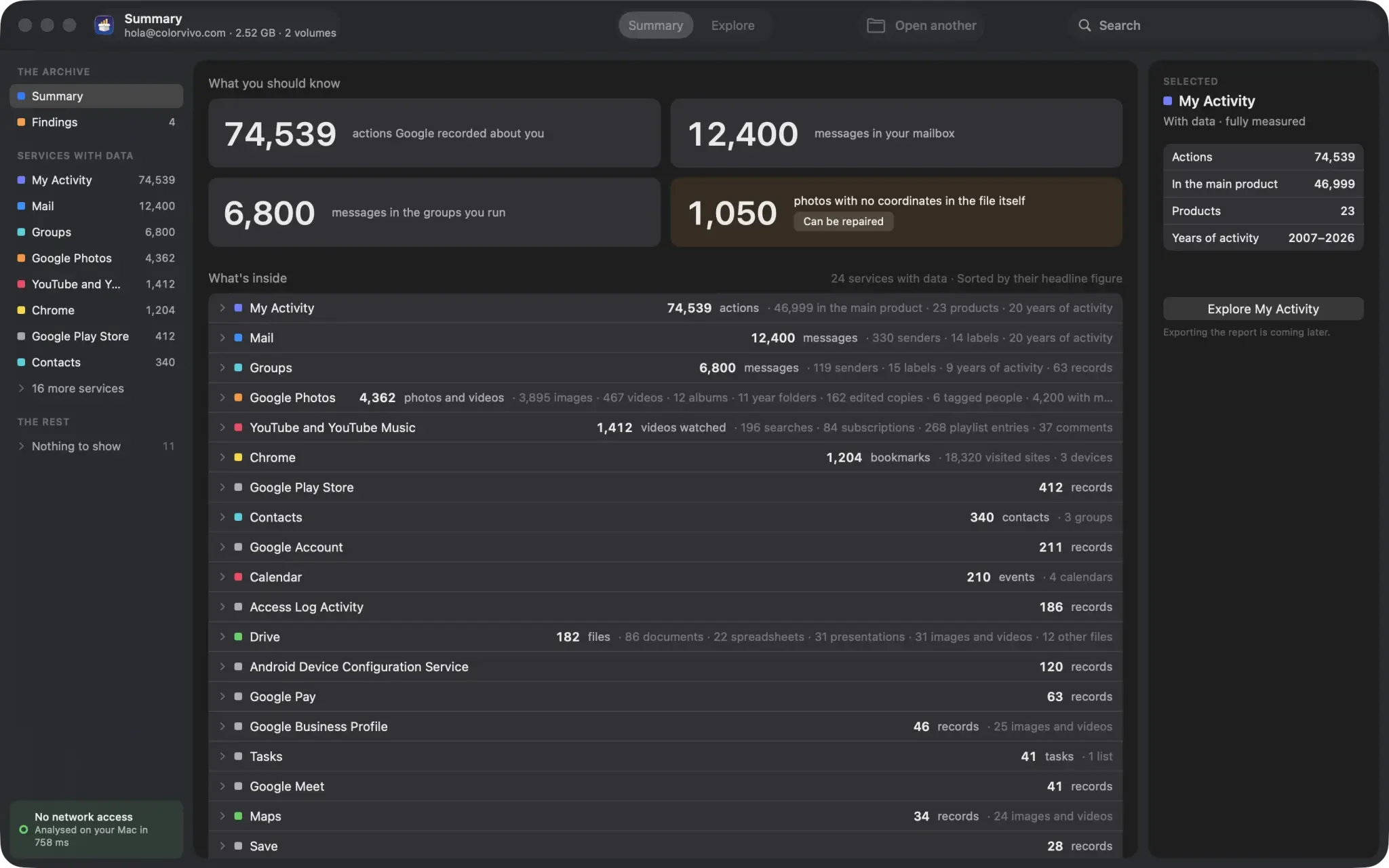
It reads the archive where it sits
No extracting, no copying, no duplicating: it reads each file directly inside the ZIP. It doesn't matter that the archive is 200 GB and you have thirty free on disk. Multi-part volumes are presented as a single tree, and if one is missing it tells you before handing you a report with holes in it.
It counts records, not files
A service can hand you three JSON files and still be empty. The report opens what's in there and counts what you actually have: messages, senders, labels, contacts, events, photos, albums, bookmarks, sites visited, actions Google recorded about you. When it could only measure part of a service, it says so instead of pretending it measured everything.
Offline, and you can check
The app has no network access entitlement. This isn't a promise buried in a legal page: the system wouldn't grant it even if the app asked. Your archive never leaves your Mac, nothing is uploaded, and everything works the same with Wi-Fi off. No analytics either, no identifiers, no account to create.
What you'll find
The report covers every service your archive brings, and explains the ones Google declared but sent back empty.
Mail and Groups
Messages, distinct senders, Gmail labels, years covered and how many carry an attachment.
Google Photos
Photos and videos counted separately, albums, year folders, edited copies, tagged people, and how many photos ended up with no date or no coordinates.
My Activity
How many actions Google kept, which product most of them came from, and how far back they go.
And the rest
Drive, Chrome, Contacts, Calendar, YouTube, Tasks, Maps and whatever else your archive brings.
Browse the whole archive, read-only
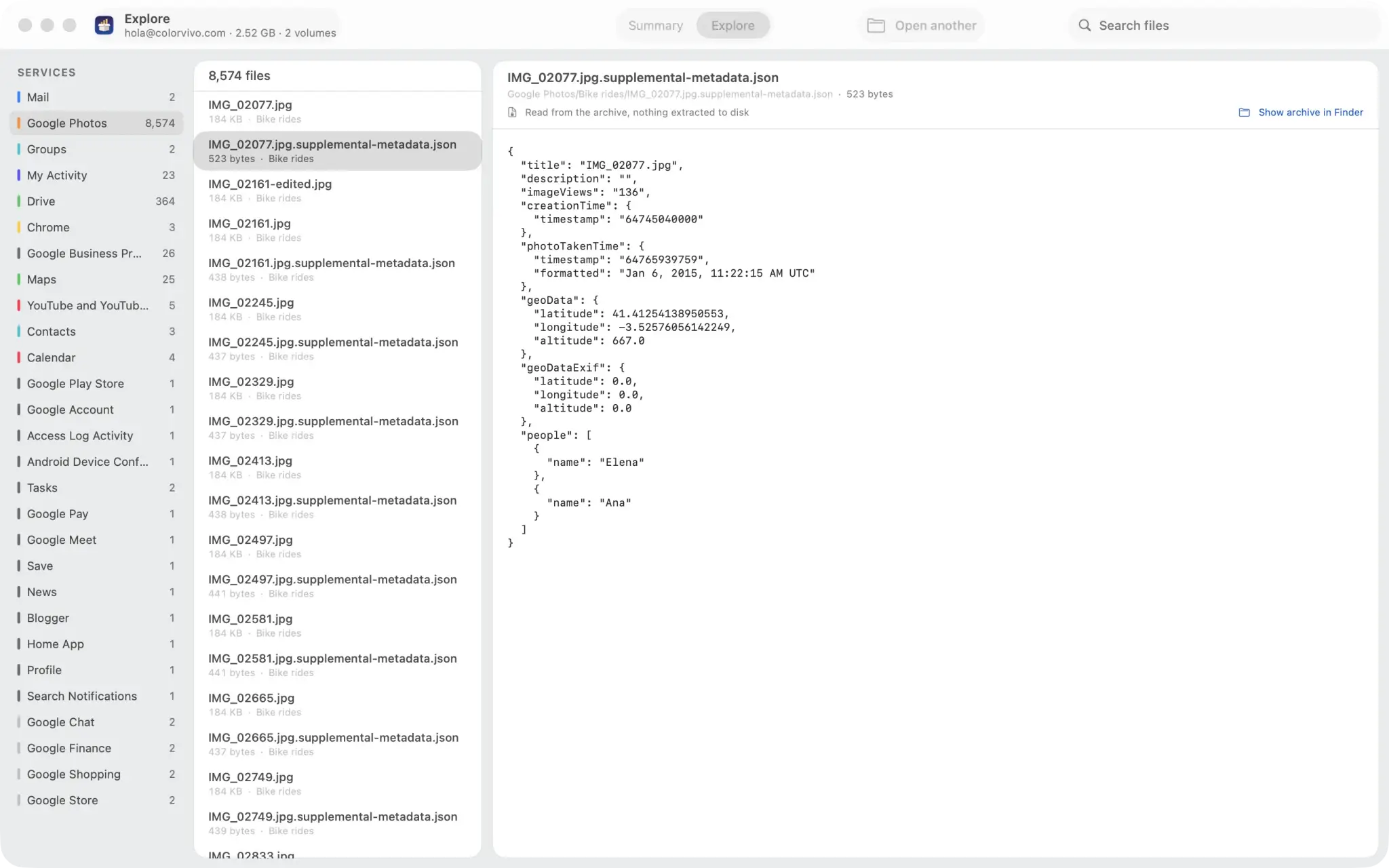
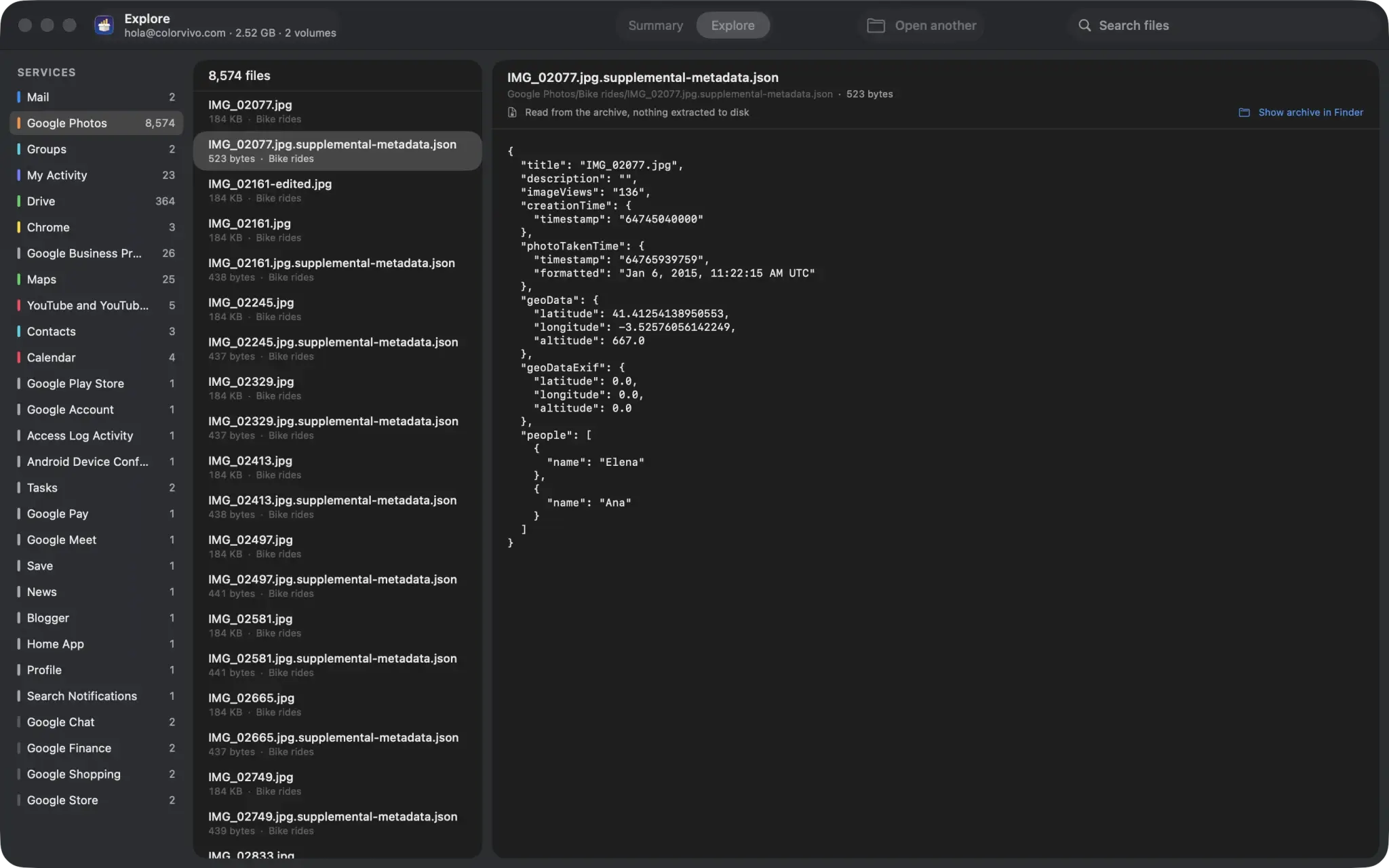
Beyond the figures, you can walk the archive service by service and open any file to see what it holds — a photo's metadata JSON, a calendar entry, an activity log. It is read from inside the ZIP, so nothing is written to disk.
Free, and staying that way
The full report and browsing are free forever, with no size limit and no cap on services. Looking at what you have is not something we charge for.
Coming later
Paid features will come later for getting data out and transforming it: batch export, repairing photo metadata, and searching the whole archive. None of that is in this version.
Requirements
- macOS 14 or later, Apple Silicon and Intel.
- Reads ZIP archives (recommended) and TGZ, plus the already-extracted folder.
- Available in eighteen languages.
 The other app · Mbox Viewer
Found mail? That part is Mbox Viewer's
When the Takeout Reports report finds mail in your archive it doesn't just count it: it says 8,763 messages and offers to open them. Reading that mailbox is the job of Mbox Viewer, our other app — the same MBOX file, on Mac and on Windows. That's why the two live in the same place.
See what Mbox Viewer doesTakeout Reports is not affiliated with or endorsed by Google. Google and Google Takeout are trademarks of Google LLC.